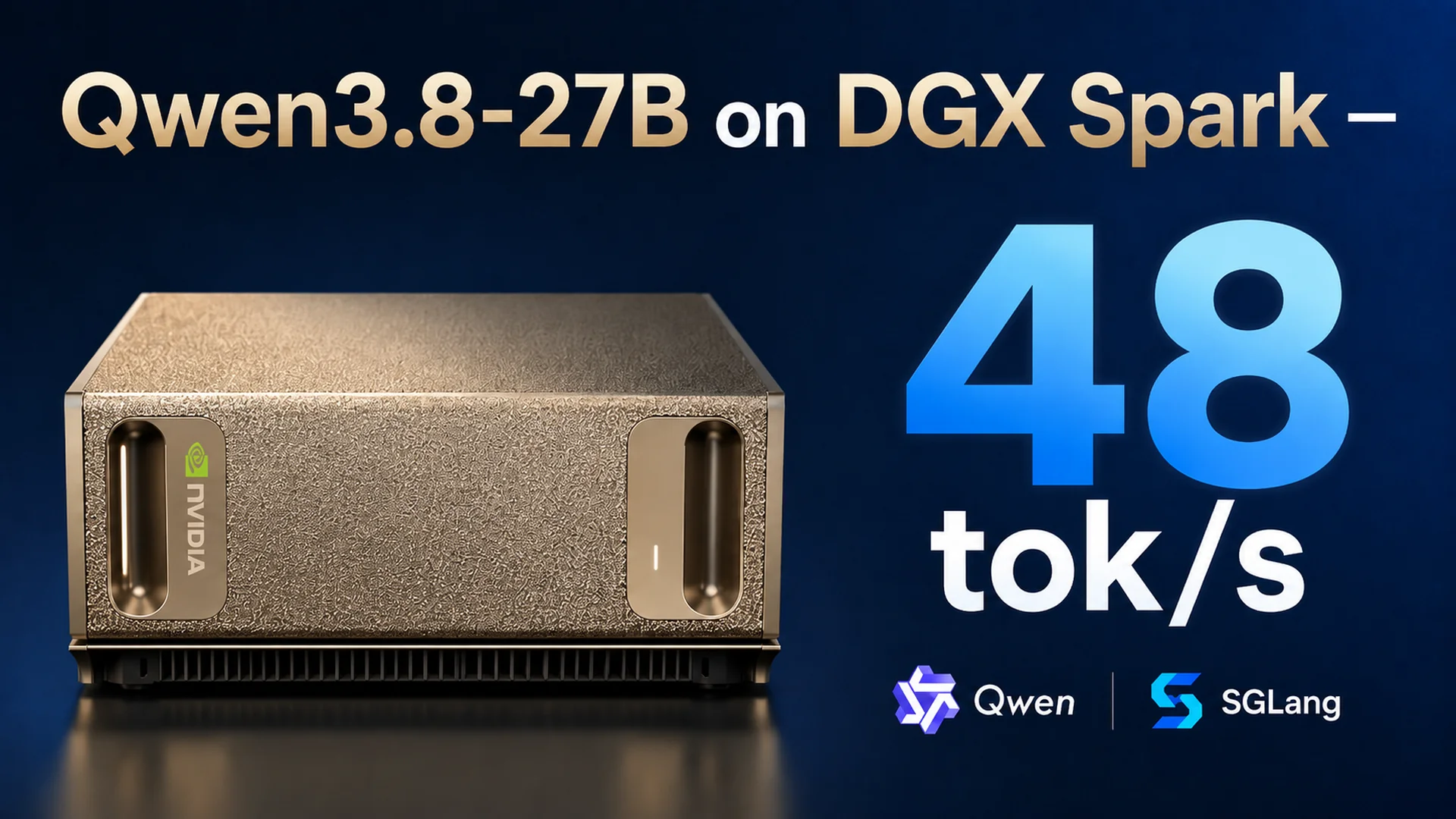
Qwen3.8-27B on DGX Spark — 48 tok/s
Qwen3.8-27B is a 27-billion-parameter language model released by Alibaba in August 2026. With a score of 52 on the Artificial Analysis Intelligence Index, it ranks first in its class among open-weight models under 40B parameters.
In this tutorial, you will run Qwen3.8-27B-NVFP4 on a single DGX Spark using the SGLang inference engine and the DFlash2 draft model for speculative decoding, reaching a generation speed of 48 tokens per second. SGLang loads the model’s trained weights into GPU memory and exposes an API that accepts external requests. sparkrun manages the Docker container and automates distribution of the model files.
The Spark can be used directly as a computer by connecting a monitor and keyboard, or it can operate as a server accessed remotely from another computer. In this tutorial, we will connect to the Spark remotely, set up the required software, and launch the model.
This tutorial is divided into four sections:
- Setup: Pulling the Docker image and preparing the recipe
- Running: Starting, monitoring, and testing the model with sparkrun
- Benchmark: Performance measurements at different concurrency levels
- Shutdown: Stopping the services
Setup
1. Connecting to the Spark
If this is your first time connecting to the Spark remotely, you first need to find its IP address. Connect a monitor and keyboard to the Spark, log in, and run the following command in a terminal:
The command returns the IP address of the Spark’s default network interface:
Make a note of this address; throughout the tutorial, you will use it in place of . Alternatively, you can find the IP address through the NVIDIA Sync application.
Make sure your computer is connected to the same network as the Spark. Then open a terminal on your computer and connect to the Spark over SSH:
Previous tutorials covered the sparkrun installation process step by step. This tutorial assumes that sparkrun is already installed.
2. Pulling the Docker Image
Qwen3.8-27B’s hybrid architecture and DFlash2 speculative decoding feature requires a specialized SGLang image. This image is built from the SGLang mainline codebase and includes the required DFlash2 kernel patches.
Run the following command to pull the Docker image prepared by OpenZeka:
Verify the image:
3. Preparing the Recipe
A recipe is a YAML file that defines how sparkrun should launch the model. The model, Docker image, SGLang flags, and memory settings are collected in a single file. For Qwen3.8-27B, this recipe runs the model on a single Spark with NVFP4 quantization, accelerates inference with DFlash2 speculative decoding using SGLang’s --speculative-num-draft-tokens 8 configuration, and includes Mamba memory parameters specific to Qwen3.8’s hybrid architecture.
Save the recipe file using the following command:
Verify the file:
You should see the recipe file you just saved.
Running
4. Pre-Launch Checks
Verify that sparkrun parses the recipe correctly and that the memory budget is appropriate:
sparkrun has parsed the recipe correctly and confirms that the configuration fits on the DGX Spark with DGX Spark fit: YES.
5. Starting the Model
Now start the model:
sparkrun automatically synchronizes the image and models to the Spark, skipping any resources that are already present, and then starts the container.
sparkrun successfully completed all six steps and reports Mode: solo. It synchronized the image and both models—the target model and the draft model—to the Spark.
Downloading the model files and bringing SGLang to a ready state may take several minutes. During this process, SGLang loads the model weights into GPU memory, initializes the DFlash2 draft model, and captures CUDA graphs.
6. Monitoring the Logs
To monitor the SGLang logs, run:
You should see output similar to the following:
Once you see Application startup complete. and The server is fired up and ready to roll!, the model server is ready.
7. Health Check
Verify that the server is running:
An HTTP 200 response indicates that the server is healthy.
Qwen3.8-27B is now running and being served from port 8000 on the Spark.
Benchmark
We benchmarked Qwen3.8-27B running on a single Spark at different concurrency levels. The measurements record average TTFT (Time to First Token—the latency until the first output token is returned) and average TPS (Tokens Per Second—the token generation rate).
- Concurrency 1 — Avg. TTFT: 232 ms, Avg. TPS: 47.9 tok/s
- Concurrency 2 — Avg. TTFT: 320 ms, Avg. TPS: 39.8 tok/s
- Concurrency 4 — Avg. TTFT: 343 ms, Avg. TPS: 35.6 tok/s
- Concurrency 8 — Avg. TTFT: 389 ms, Avg. TPS: 27.6 tok/s
At concurrency 1, the model generates an average of 47.9 tokens per second. Even at concurrency 8, it remains above 25 tokens per second while keeping TTFT below 400 ms, making the configuration suitable for workloads with high request concurrency.
The measurements were collected using the CordatusAI LLM Benchmark Tool: 128 input tokens, 128 output tokens, averaged over 10 rounds per concurrency level, with the validity criterion TTFT < 1000 ms AND TPS >= 15 tok/s. The tool, developed by CordatusAI, is a benchmarking application for testing LLM servers that expose OpenAI-compatible APIs.
Shutdown
When you are finished, stop the model:
This command stops the container and releases the memory it was using. The container, Docker image, and model files remain on disk, so you do not need to download them again the next time you start the service. Simply run the sparkrun run command from Step 5 again.